Dashboard
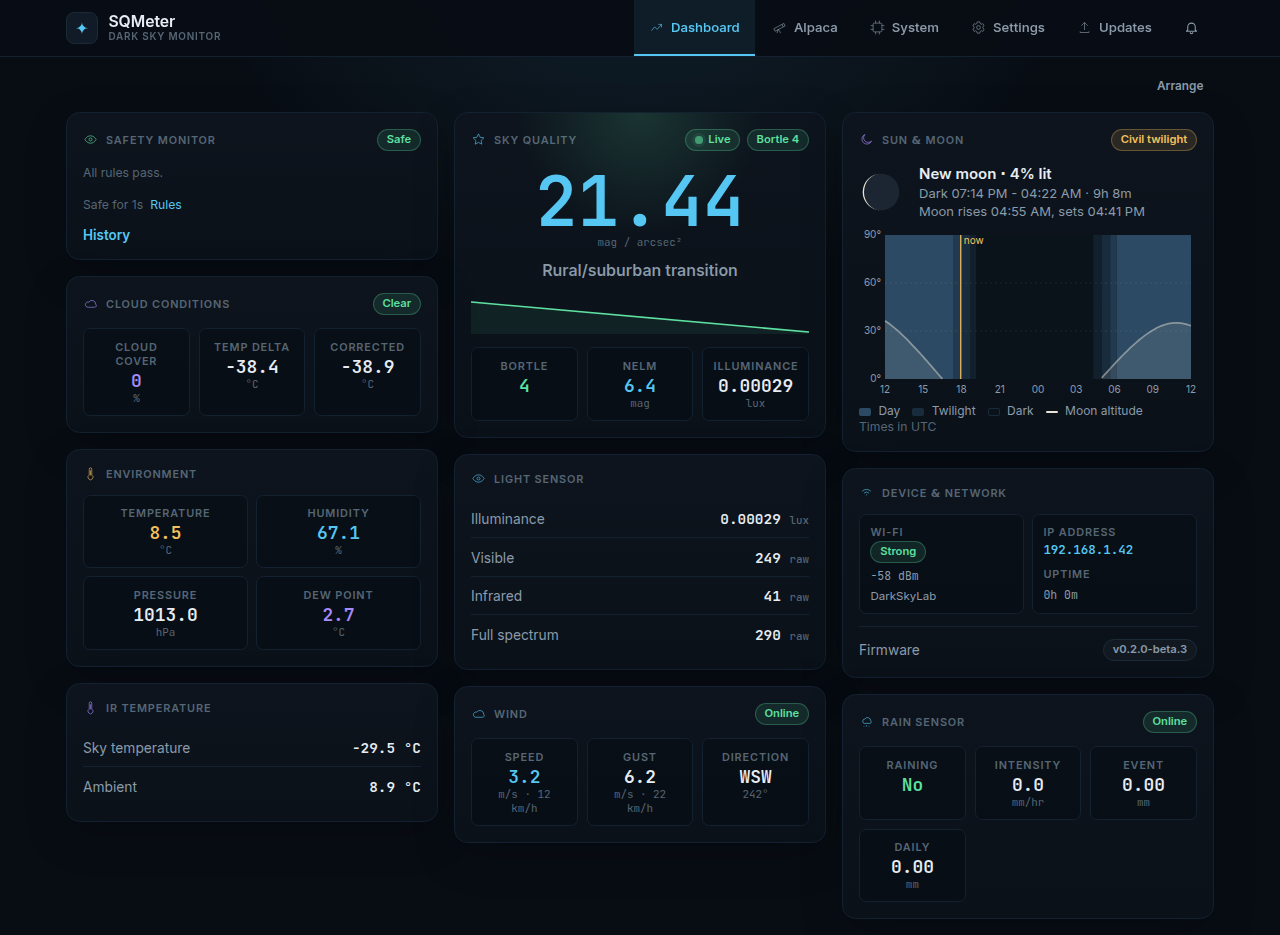
The dashboard is the web UI's home page: live readings, the safety verdict and tonight's darkness, updated every second over a WebSocket. Try it without hardware in the live demo.
Cards
| Card | Shows | When it's there |
|---|---|---|
| Safety Monitor | Safe or unsafe, with each failing rule's value and limit, how long it's been that way, a Rules link and the History of recent changes, restarts and alerts | Always |
| Sky Quality | SQM (mag/arcsec²), its description and Bortle class, a trend of recent readings, NELM and illuminance | Always; says "Not detected" if the TSL2591 isn't responding |
| Sun & Moon | Moon phase, tonight's astronomical darkness, moonrise/moonset and a chart of sun and moon altitude through the night - hover (or tap) the chart for the time, altitudes and sky phase | When the device knows its location (GPS fix or Settings → Time & Location → Location) and Sun & Moon card on the dashboard is on |
| Cloud Conditions | The device's verdict (Clear / Cloudy / Overcast), cloud cover and the sky−ambient temperature delta before and after humidity correction. Notes when humidity is assumed because there's no BME280 reading | MLX90614 responding |
| Environment | Temperature, humidity, pressure, dew point | BME280 responding |
| GPS Location | Fix, position, satellites, altitude, HDOP | GPS enabled |
| Light Sensor | Illuminance and raw TSL2591 counts | TSL2591 responding |
| IR Temperature | Sky and ambient temperature | MLX90614 responding |
| Device & Network | WiFi signal, IP address, uptime, firmware version | Always |
| Wind | Mean speed and gust (m/s and km/h), direction. Speed and gust turn amber near and red at your safety limits | Anemometer enabled |
| Rain Sensor | Raining, intensity, event and daily totals, in the RG-15's units | Rain sensor enabled |
A card for a sensor that's switched off or not responding is hidden rather than showing zeros; the System page shows every sensor's status. Sun & Moon times are worked out in the browser for the device's location and shown in the browser's time zone (the card says which).
The Live badge on Sky Quality turns Stale when readings stop arriving.
Arranging cards
Cards flow into columns like a pin board. Arrange lets you drag them into your own order; Done keeps it and Reset order goes back to the default. The order is remembered per browser.
Alerts bell
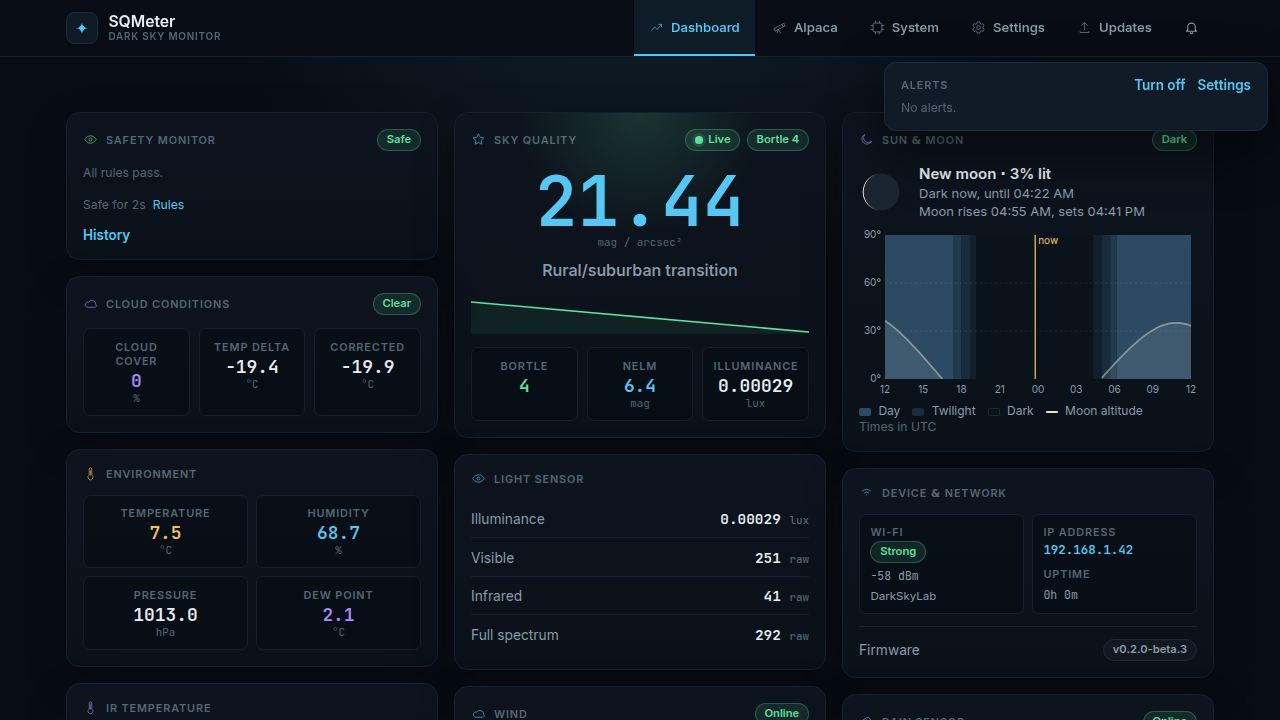
The bell in the header lists the recent alerts with each channel's delivery result, and counts new ones. From it you can:
- Turn off / Turn on alerts - the same switch as Alerts on now in Settings, for when you're not imaging (see Alerts); the bell shows when alerts are off
- Clear the list
- jump to the alert Settings
Other pages
| Page | |
|---|---|
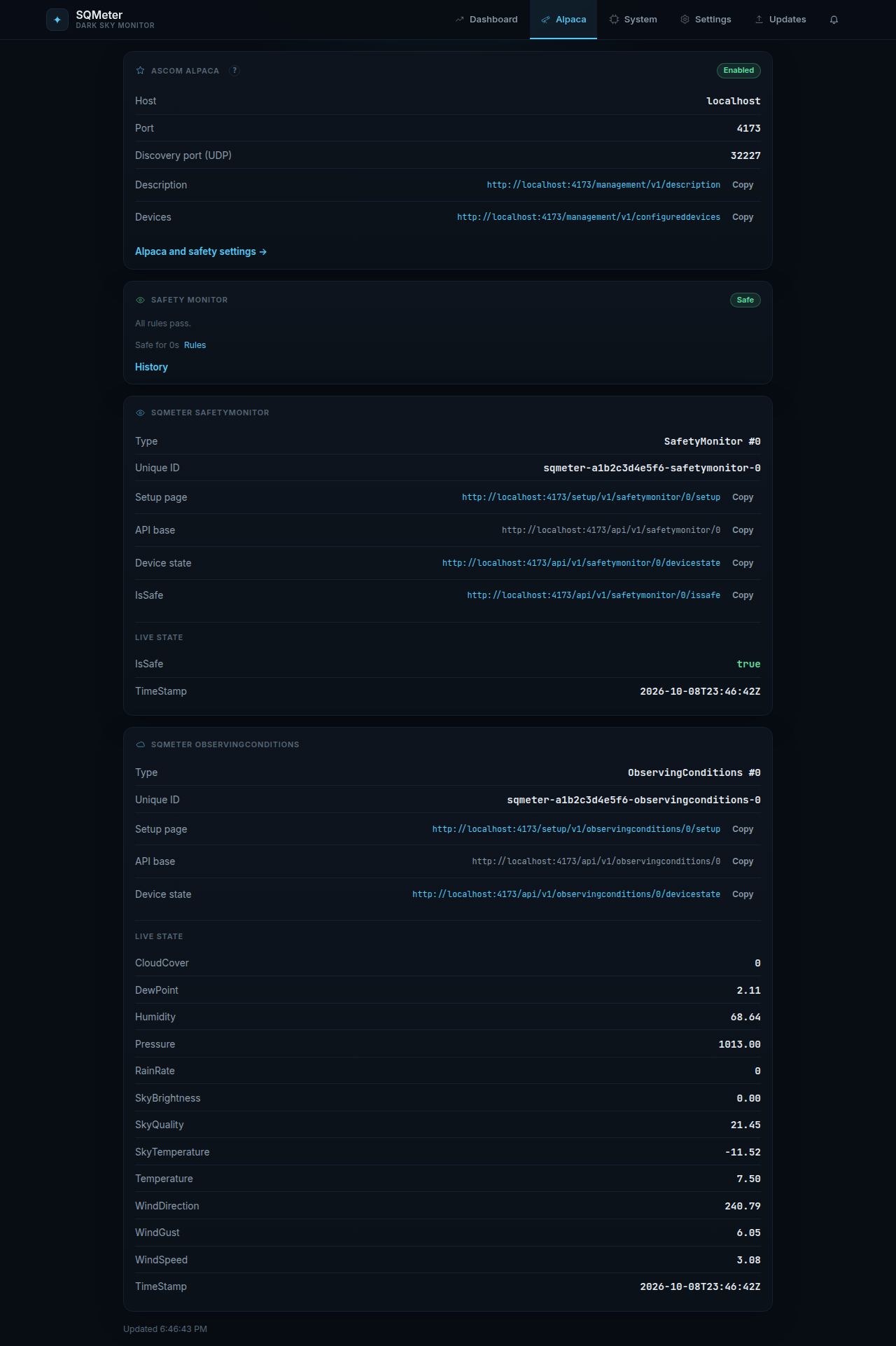
| Alpaca | The ASCOM Alpaca devices N.I.N.A. sees, with live device state - see ASCOM Alpaca |
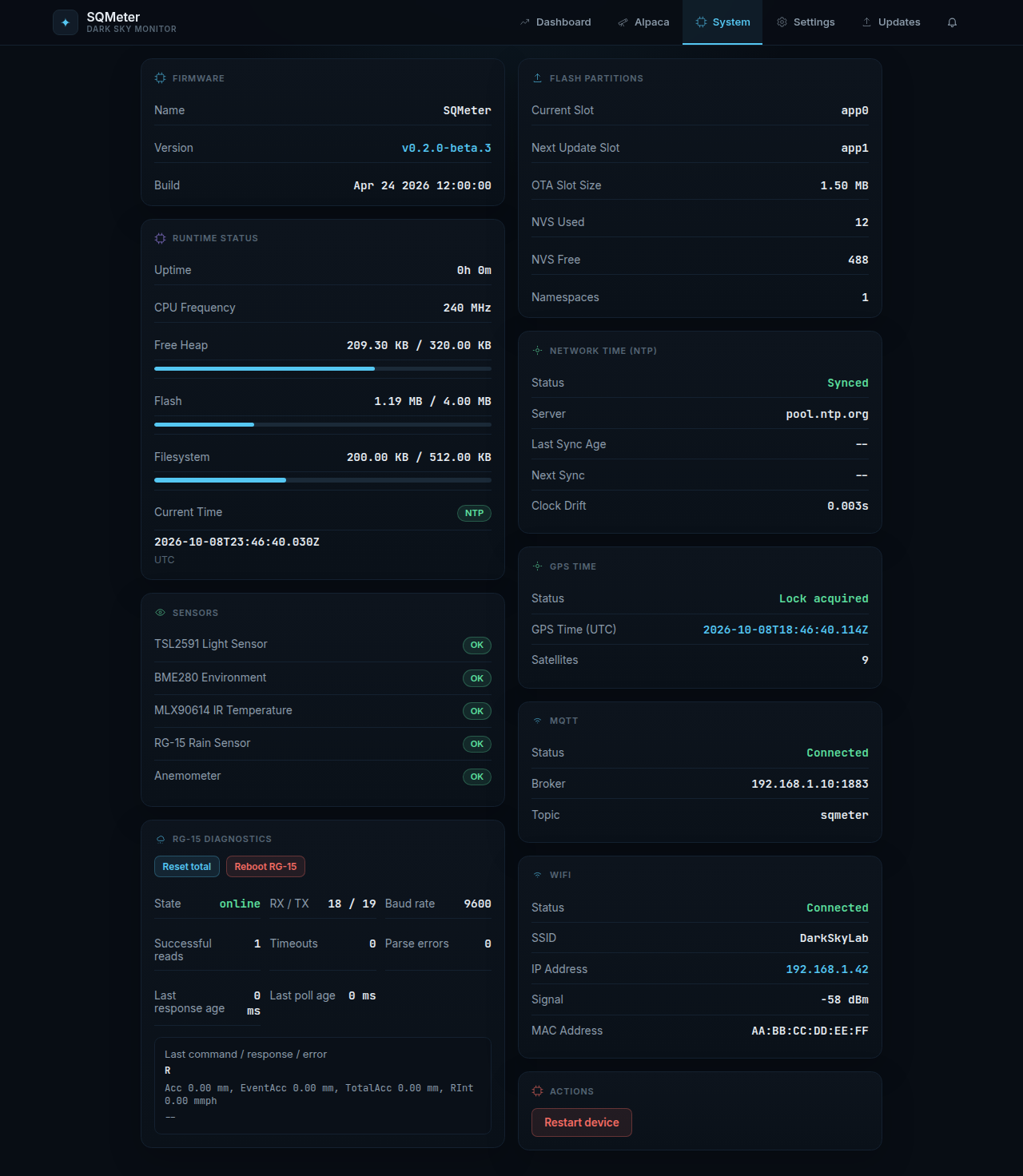
| System | Firmware, uptime, memory, time sync, every sensor's status and the RG-15 diagnostics |
| Settings | Device, Network, Time & Location, Sensors, Safety and Alerts - see Configuration |
| Updates | Install a release from GitHub or upload a file - see OTA Updates |